
N1 3D Printer – Powerful and Reliable FDM 3D Printing
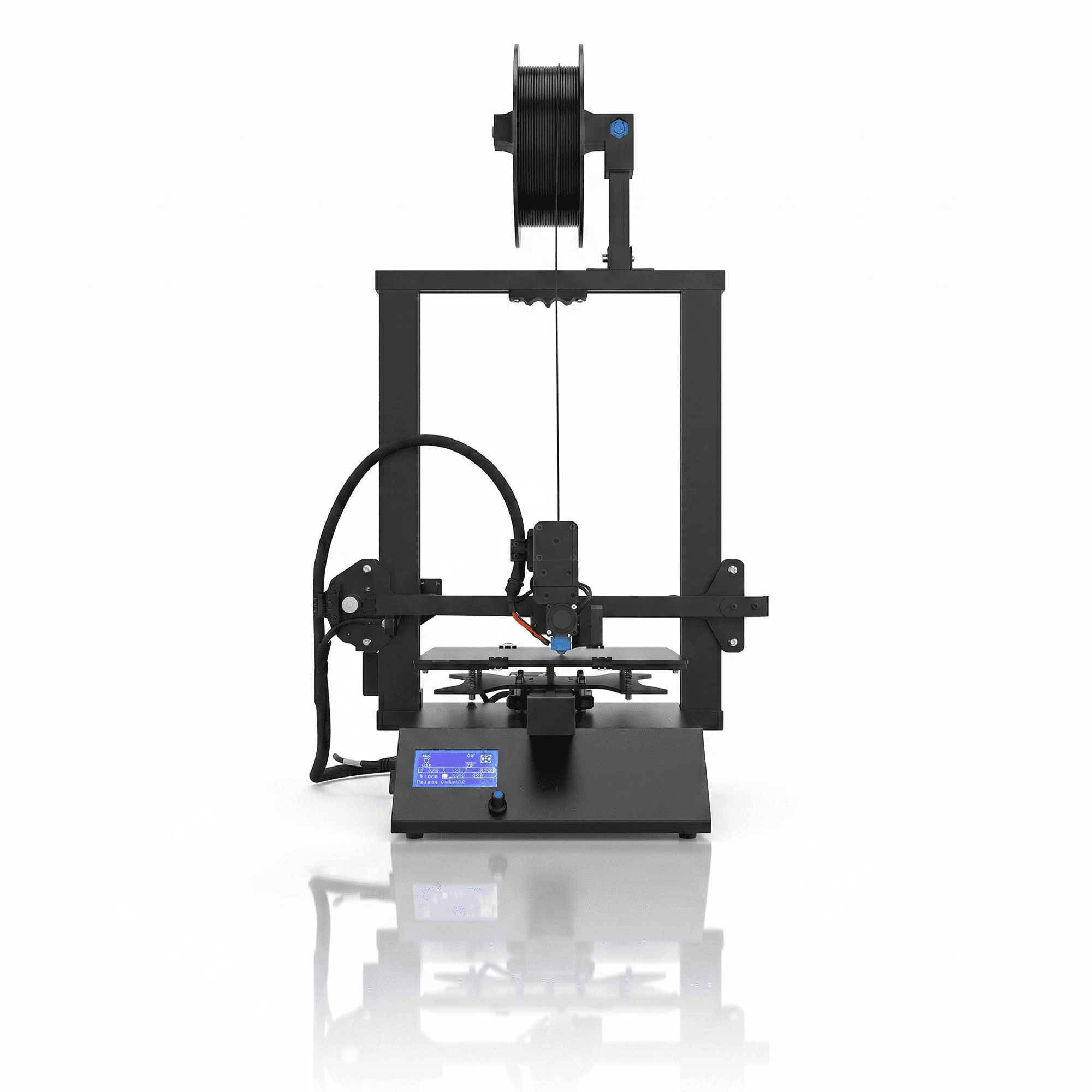
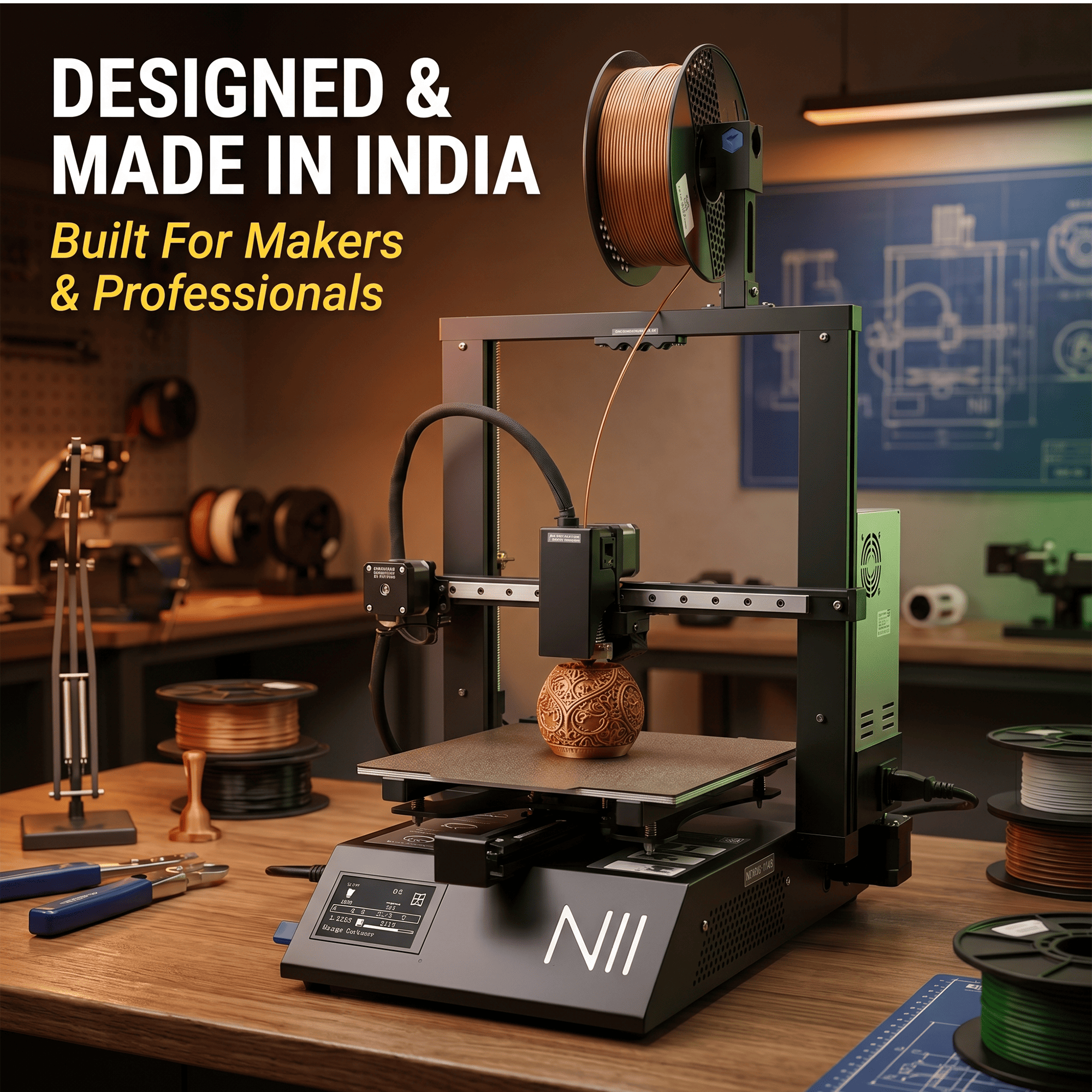
The N1 3D Printer by NFIL3D is a Made in India FDM printing solution designed for creators, engineers, students, designers, and professionals who need a practical balance of printing performance, build quality, and affordability. Featuring a rigid metal frame, sturdy gantry structure, and direct drive extruder, the N1 is built to support consistent printing across a wide range of creative and functional applications.
With a generous 250 × 250 × 270 mm build volume and updated printing speeds of up to 200 mm/s, this machine offers the flexibility to produce larger prototypes, detailed models, and everyday functional components. Its compatibility with PLA, PETG, and HIPS makes it useful for users working on different 3D printing projects.
Why Choose the NFIL3D N1 3D Printer?
The N1 3D Printer combines sturdy mechanical construction, convenient filament handling, and a practical printing area in one desktop FDM machine.
A dependable 3D printer should provide more than a large build platform. Frame stability, reliable extrusion, suitable material compatibility, and consistent machine movement all contribute to successful printing.
The N1 is designed around these essential requirements. Its metal construction provides a rigid foundation, while the direct drive extrusion system supports controlled filament feeding.
Whether you are developing product prototypes, creating educational models, or manufacturing customized objects, the N1 provides a flexible platform for bringing digital designs into physical form.
Key Features of the N1 3D Printer
1. Strong Metal Frame for Stable Printing
The N1 3D Printer features a rigid metal frame designed to maintain mechanical stability during operation.
A strong frame helps reduce unwanted movement that can affect print quality, particularly when producing taller objects or models with complex geometries.
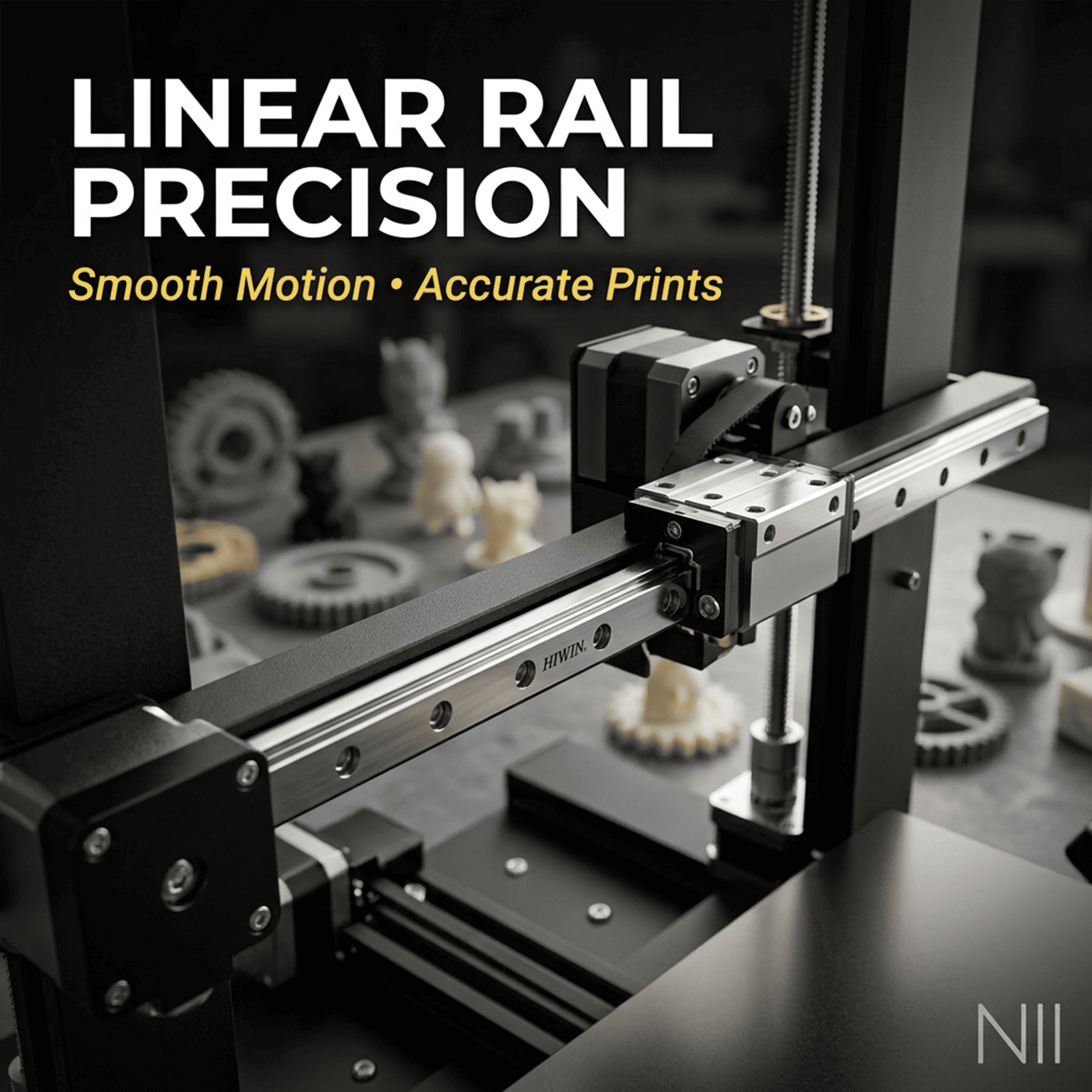
The sturdy gantry structure supports controlled movement of the printing components, contributing to consistent layer placement.
This construction makes the printer suitable for regular use in workshops, design studios, educational environments, and maker spaces.
2. Direct Drive Extruder for Consistent Filament Feeding
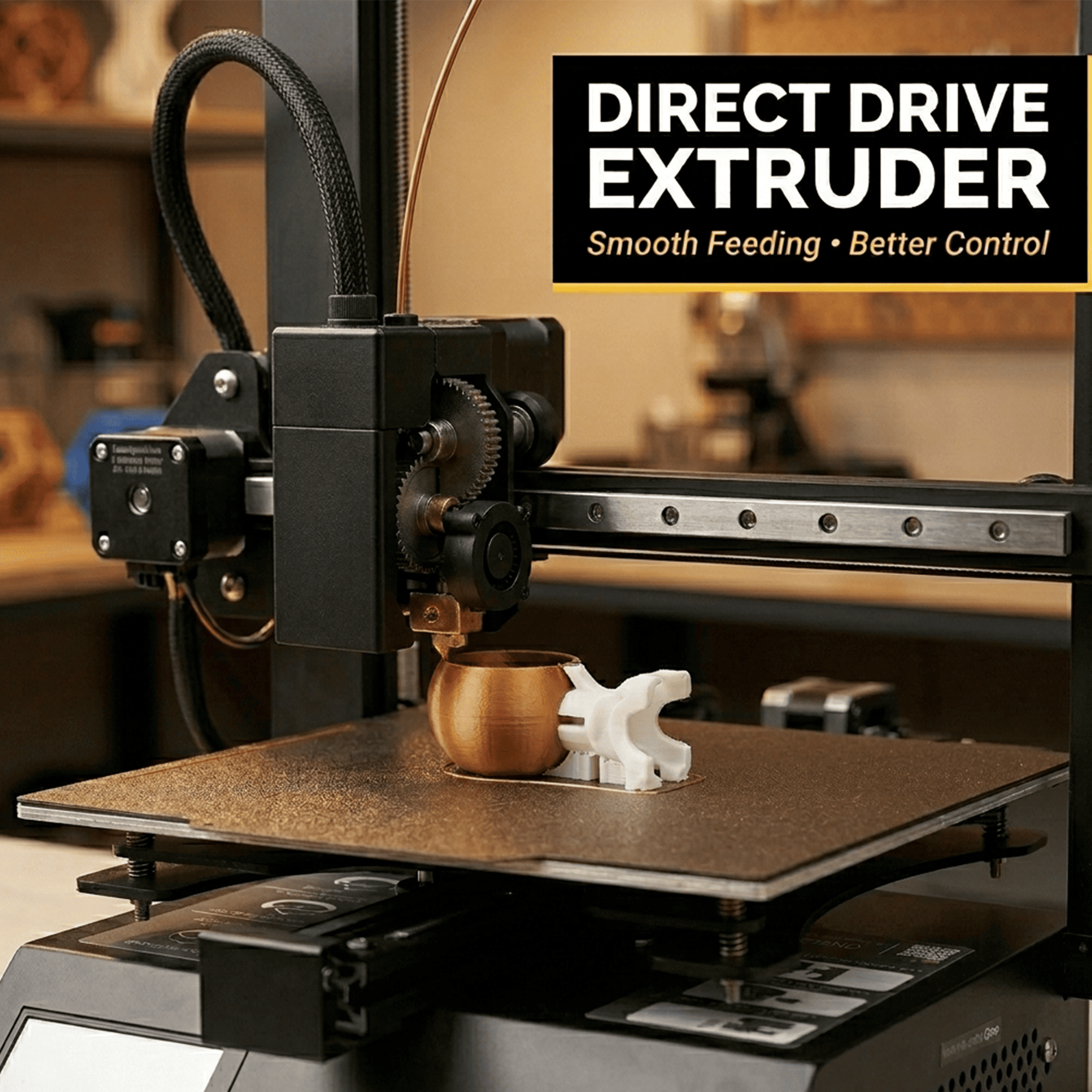
The N1 3D Printer uses a direct drive extrusion system that positions the filament feeding mechanism close to the hotend.
This arrangement creates a shorter filament path, allowing more direct control over extrusion and retraction.
Direct drive technology can be especially helpful when printing compatible flexible filaments, although final results depend on the material hardness, feed settings, and printer configuration.
For standard filaments, the extrusion system supports controlled material delivery during printing.
Proper filament tension, temperature, and flow calibration help maintain reliable performance.
3. Large 250 × 250 × 270 mm Build Volume
The N1 3D Printer provides a spacious build volume of 250 × 250 × 270 mm, allowing users to create a wide range of small and medium-sized objects.
The printing area can accommodate larger individual components or multiple smaller models arranged on the same build platform.
This is useful for product prototyping, architectural models, customized accessories, decorative items, and engineering concept designs.
A larger build volume also reduces the need to divide certain models into separate printable sections.
Users should still consider support structures, model orientation, and clearance when preparing larger printing projects.
4. Printing Speeds Up to 200 mm/s
The N1 3D Printer is designed to support printing speeds of up to 200 mm/s in its updated configuration.
Faster printing settings can help reduce production time for suitable designs, particularly when creating prototypes or repeatable parts.
However, maximum movement speed does not mean every model will print at that rate. Actual printing time depends on acceleration, layer height, infill, model complexity, and filament properties.
For detailed decorative models or components requiring greater dimensional consistency, slower printing settings may provide better results.
Selecting the correct speed for each application helps users balance printing efficiency with surface quality.
5. Compatibility with PLA, PETG, and HIPS
The N1 3D Printer supports several commonly used FDM printing materials, including PLA, PETG, and HIPS.
PLA Filament: Suitable for decorative models, educational projects, prototypes, and general-purpose printing.
PETG Filament: Useful for functional components that require greater toughness and improved layer adhesion.
HIPS Filament: Suitable for selected prototypes, model-making applications, and compatible support-material workflows.
The direct drive arrangement may also support suitable flexible filaments, depending on the machine configuration and material specifications.
Each filament requires appropriate printing temperatures, bed adhesion settings, and cooling conditions.
6. Sturdy Gantry for Controlled Movement
The N1 3D Printer features a sturdy gantry designed to support stable movement along its printing axes.
Reliable mechanical movement is important for maintaining consistent layer alignment and producing models with smooth-looking surfaces.
The gantry and frame work together to help reduce unwanted vibration and movement during normal printing operations.
For best results, place the machine on a firm, level surface and regularly inspect the mechanical components.
7. Affordable and Practical Printing Solution
The N1 is designed to offer practical FDM printing capabilities for users who want dependable hardware without unnecessary complexity.
Its metal frame, direct drive extruder, and spacious printing area provide a useful combination for everyday printing requirements.
This makes the printer relevant to small businesses, educational institutions, design professionals, and independent makers.
The machine can be used for repeated prototyping, creative experimentation, and customized production within its material and build-volume limits.
Applications of the N1 3D Printer
The N1 3D Printer is suitable for a wide range of educational, professional, and creative applications.
Product Design and Prototyping
Designers can create physical prototypes to evaluate shapes, dimensions, assembly requirements, and product concepts before further development.
Engineering and Functional Components
Users can produce suitable brackets, fixtures, organizers, holders, and prototype mechanical components using materials appropriate for the intended application.
Educational and STEM Projects
Students and educators can explore mechanical design, geometry, engineering concepts, and practical manufacturing through hands-on 3D printing activities.
Architectural Models
Architects and model makers can create scale models, building components, structural concepts, and customized presentation pieces.
Hobby and Creative Printing
Makers can print personalized accessories, decorative objects, miniature models, household organizers, and unique DIY designs.
Technical Specifications of NFIL3D N1 3D Printer
| Product Parameter | Specification |
|---|---|
| Product Name | NFIL3D N1 3D Printer |
| Printing Technology | FDM / FFF |
| Manufacturing | Made in India |
| Build Volume | 250 × 250 × 270 mm |
| Updated Maximum Printing Speed | Up to 200 mm/s |
| Frame Material | Metal |
| Extruder Type | Direct Drive |
| Gantry Structure | Sturdy Metal Gantry |
| Compatible Materials | PLA, PETG, HIPS |
| Flexible Filament | Selected Compatible Flexible Materials |
| Product Dimensions | 49 D × 58 W × 67 H cm |
| Product Weight | 10 kg |
| Main Applications | Prototyping, Education, DIY, Design and Model Making |
How to Use the N1 3D Printer
The N1 3D Printer uses fused deposition modeling technology to produce physical objects by depositing heated thermoplastic filament layer by layer.
Step 1 – Prepare a Digital Model
Create a suitable 3D design or download a printable model in a supported file format, such as STL.
Step 2 – Slice the Model
Import the model into compatible slicing software and configure the layer height, wall thickness, infill, print speed, and support structures.
Step 3 – Prepare the Printer
Check the build platform, nozzle condition, filament path, and machine movement before printing.
Step 4 – Load Compatible Filament
Select PLA, PETG, HIPS, or another confirmed compatible material. Set appropriate temperatures according to the filament manufacturer’s recommendations.
Step 5 – Start Printing
Transfer the prepared print file using the supported method and begin printing. Monitor the initial layers to ensure reliable bed adhesion.
Step 6 – Remove the Finished Model
Allow the printing surface and model to cool before removing the finished object.
For additional information about achieving good first-layer adhesion, explore the Prusa First Layer Calibration Guide.
Tips for Better Printing Performance
To achieve reliable results with the N1 3D Printer, maintain proper calibration and choose suitable printing settings.
A clean, level build surface helps the first layer adhere correctly, reducing the chances of warping and print failure.
Filament condition is equally important. Store moisture-sensitive materials properly and select suitable temperatures for the chosen filament.
For decorative models, smaller layer heights and moderate printing speeds can improve surface appearance. For functional components, wall thickness, infill, material selection, and printing orientation should be chosen according to the expected use.
Regular inspection of the nozzle, extrusion system, and motion components helps maintain consistent performance.
Always operate the printer with appropriate supervision, ventilation, and protection from hot components and moving parts.
Buy N1 3D Printer at NFIL3D
The N1 3D Printer by NFIL3D offers a practical combination of sturdy construction, direct drive extrusion, and a spacious build area for everyday 3D printing requirements.
Its rigid metal frame and updated printing performance make it a useful option for students, hobbyists, designers, engineers, and businesses exploring FDM technology.
Whether you want to develop product prototypes, create educational models, print functional accessories, or experiment with creative designs, the N1 provides a flexible starting point.
Explore more NFIL3D printers, filaments, and 3D printing solutions or view the Mini-N 3D Printer to compare compact desktop printing options.


Reviews
There are no reviews yet.