
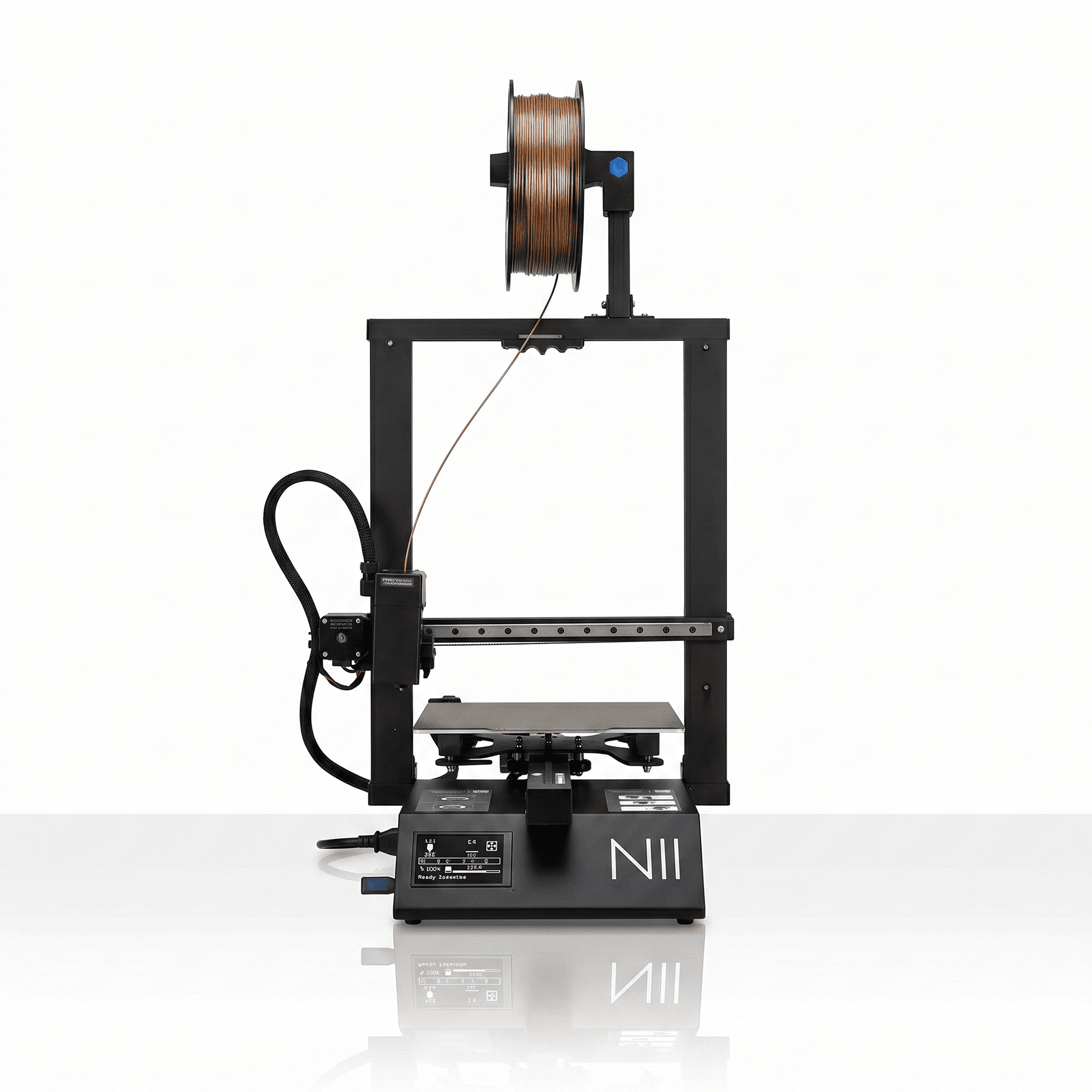
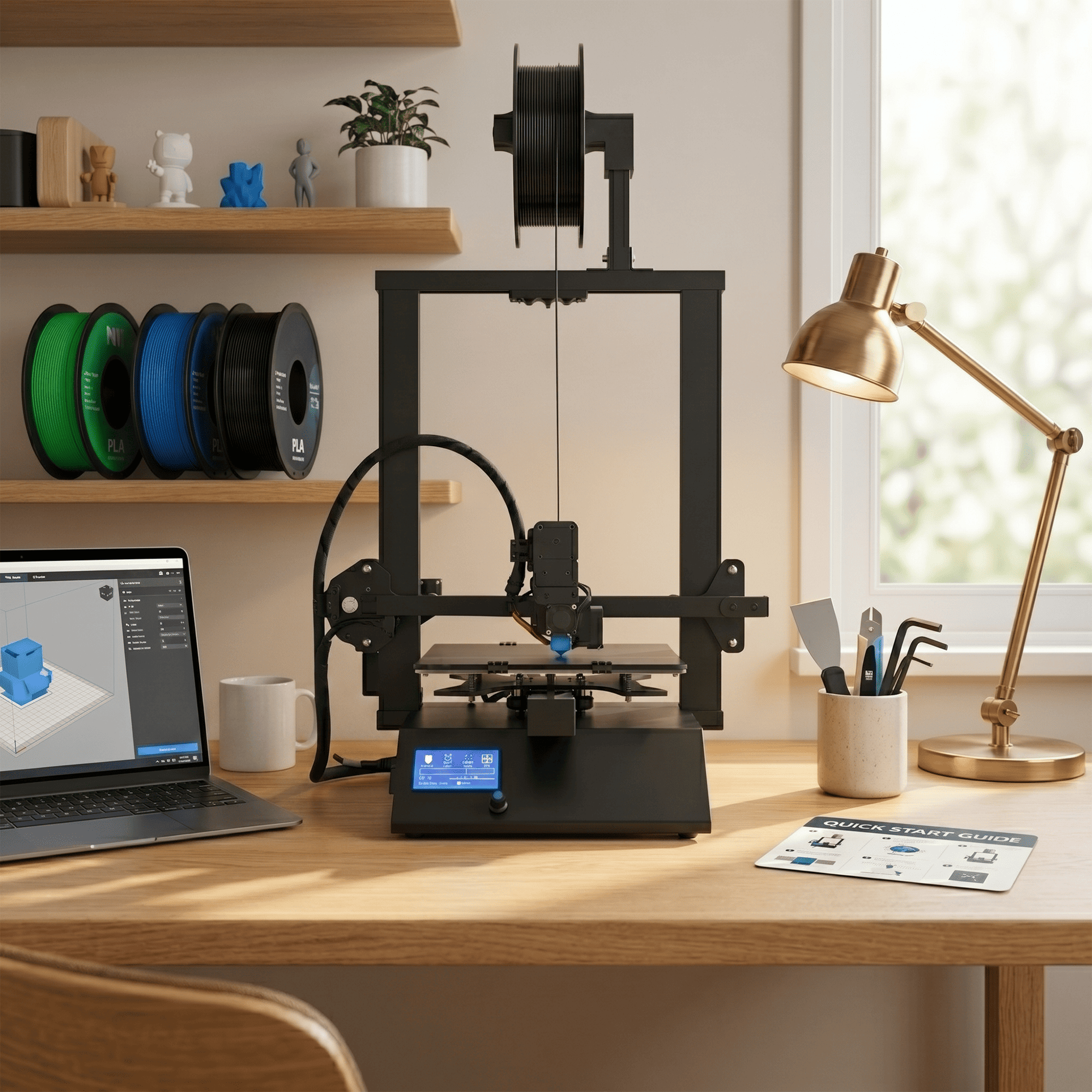
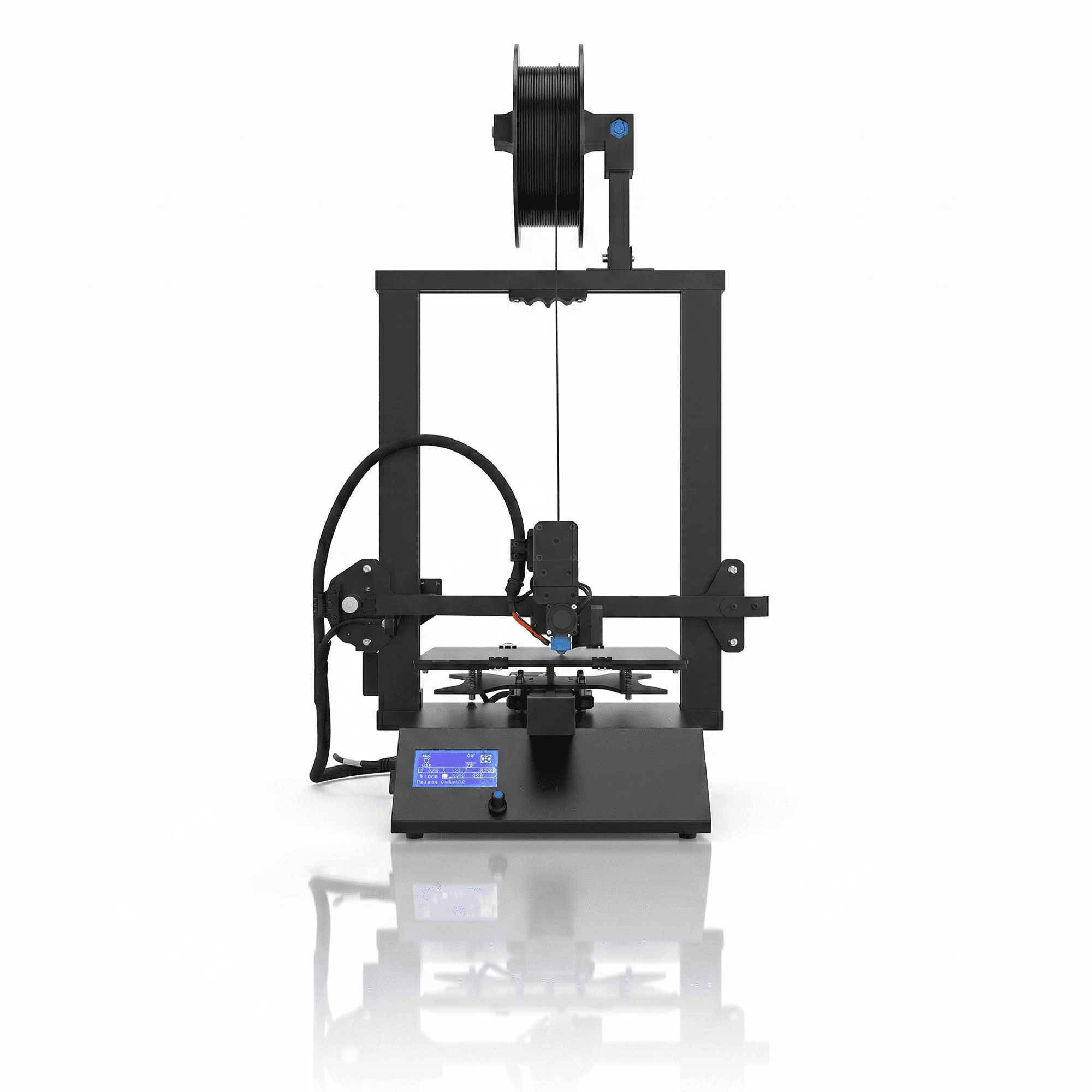

The N2 3D Printer by NFIL3D is a feature-rich FDM printing machine designed for users who need stable performance, dependable filament feeding, and a spacious printing area. Equipped with a linear rail mechanism, dual lead screw Z-axis, dual gear extruder, touchscreen LCD, and magnetic printing bed, the N2 combines mechanical stability with convenient everyday operation.
With a 250 × 250 × 300 mm build volume, this printer provides enough space for larger prototypes, detailed models, and a variety of customized 3D printed components. Its compatibility with PLA, PETG, HIPS, and suitable flexible filaments makes it useful for professional, educational, and creative applications.
Why Choose the NFIL3D N2 3D Printer?
The N2 3D Printer offers a practical combination of precision-focused mechanical features and convenient printing controls.
A dependable FDM printer requires accurate movement, controlled material extrusion, a stable build platform, and suitable printing settings. The N2 addresses these needs with a linear rail mechanism, dual lead screws, and a dual gear filament feeding system.
Its touchscreen interface makes machine operation convenient, while the magnetic bed supports easy print removal. The auto-resume feature provides additional convenience when a printing job is interrupted by a power outage.
These capabilities make the N2 suitable for designers, engineers, students, hobbyists, and small businesses working with 3D printed models.
Key Features of the N2 3D Printer
1. Precision Linear Rail Mechanism
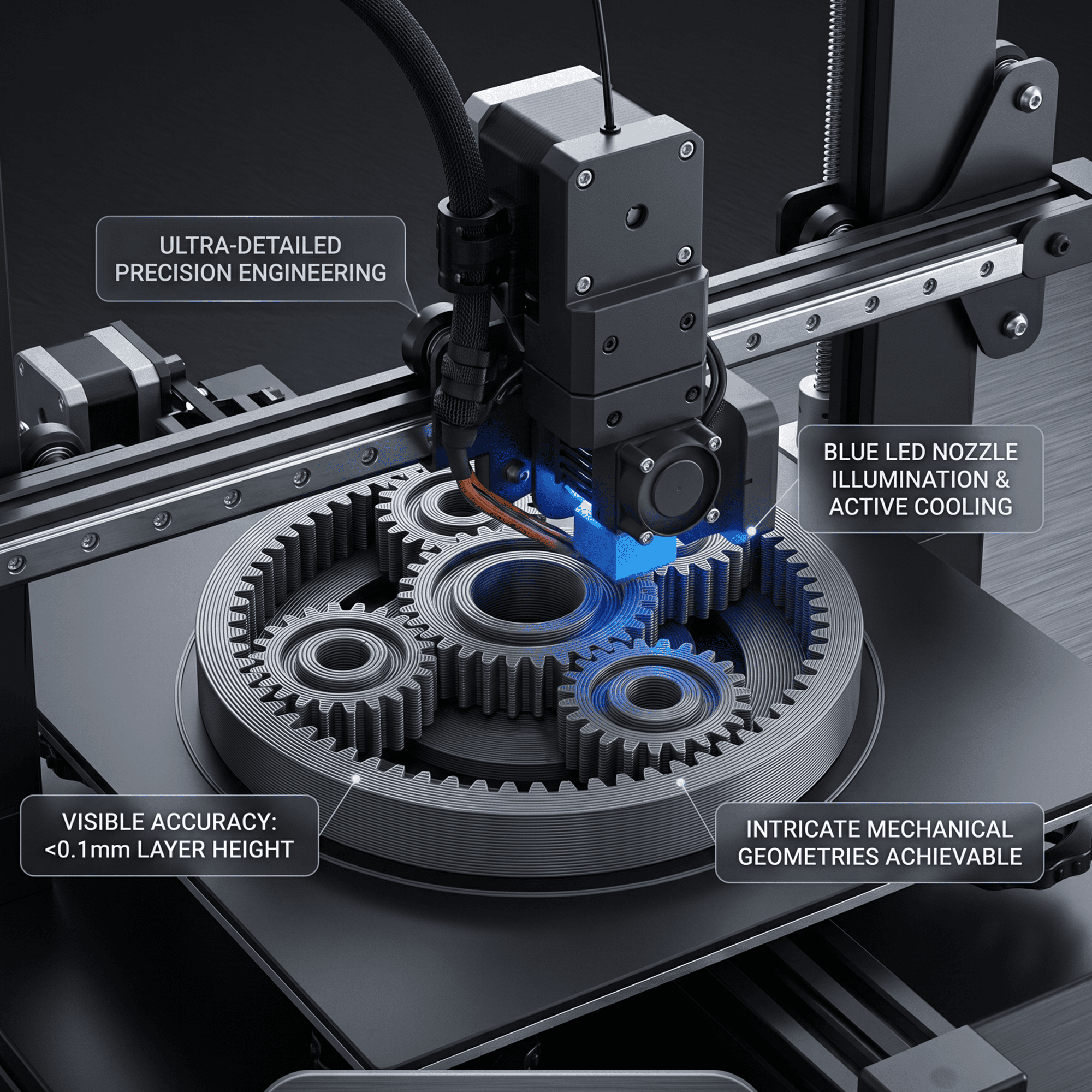
The N2 3D Printer features a linear rail mechanism designed to support smooth and controlled movement during printing.
Precise movement is an important part of achieving consistent layer alignment and maintaining the shape of printed objects.
The linear rail mechanism helps guide moving components along their intended path, reducing unwanted movement when the machine is correctly assembled and maintained.
This is especially helpful when producing models with straight edges, detailed surfaces, and complex geometries.
Regular inspection and proper maintenance of motion components can help preserve smooth printer operation.
2. Dual Lead Screw Z-Axis for Enhanced Stability
The N2 uses a dual lead screw mechanism to support balanced vertical movement of the gantry.
During FDM printing, the printer must maintain consistent positioning between layers to produce well-aligned objects.
The dual Z-axis arrangement helps support the gantry from both sides, reducing the risk of uneven movement caused by mechanical imbalance.
This construction is particularly useful when printing taller models and larger components.
Correct alignment, lubrication, and calibration remain important for maintaining reliable Z-axis performance.
3. Dual Gear Extruder for Reliable Filament Feeding
The N2 3D Printer features a dual gear extruder designed to provide controlled filament feeding.
Unlike single-sided filament feeding mechanisms, a dual gear system grips the filament from both sides to help move material through the extrusion path.
This arrangement can improve feeding consistency and is particularly useful when printing with compatible flexible filaments.
Proper extrusion settings, filament tension, and temperature selection help reduce common problems such as under-extrusion and inconsistent material flow.
The dual gear mechanism supports printing with materials suitable for the machine’s extrusion system.
4. Large 250 × 250 × 300 mm Printing Area
The N2 provides a spacious build volume suitable for a wide range of creative and functional models.
Its 250 × 250 × 300 mm printing area allows users to create larger individual objects or arrange multiple smaller components on the build platform.
This extra capacity is useful for product prototypes, architectural models, mechanical concepts, and personalized designs.
A generous build area also provides flexibility when adjusting model orientation and arranging supports during slicing.
The actual printable dimensions should be confirmed against the machine’s configured travel limits.
5. User-Friendly Touch LCD Screen
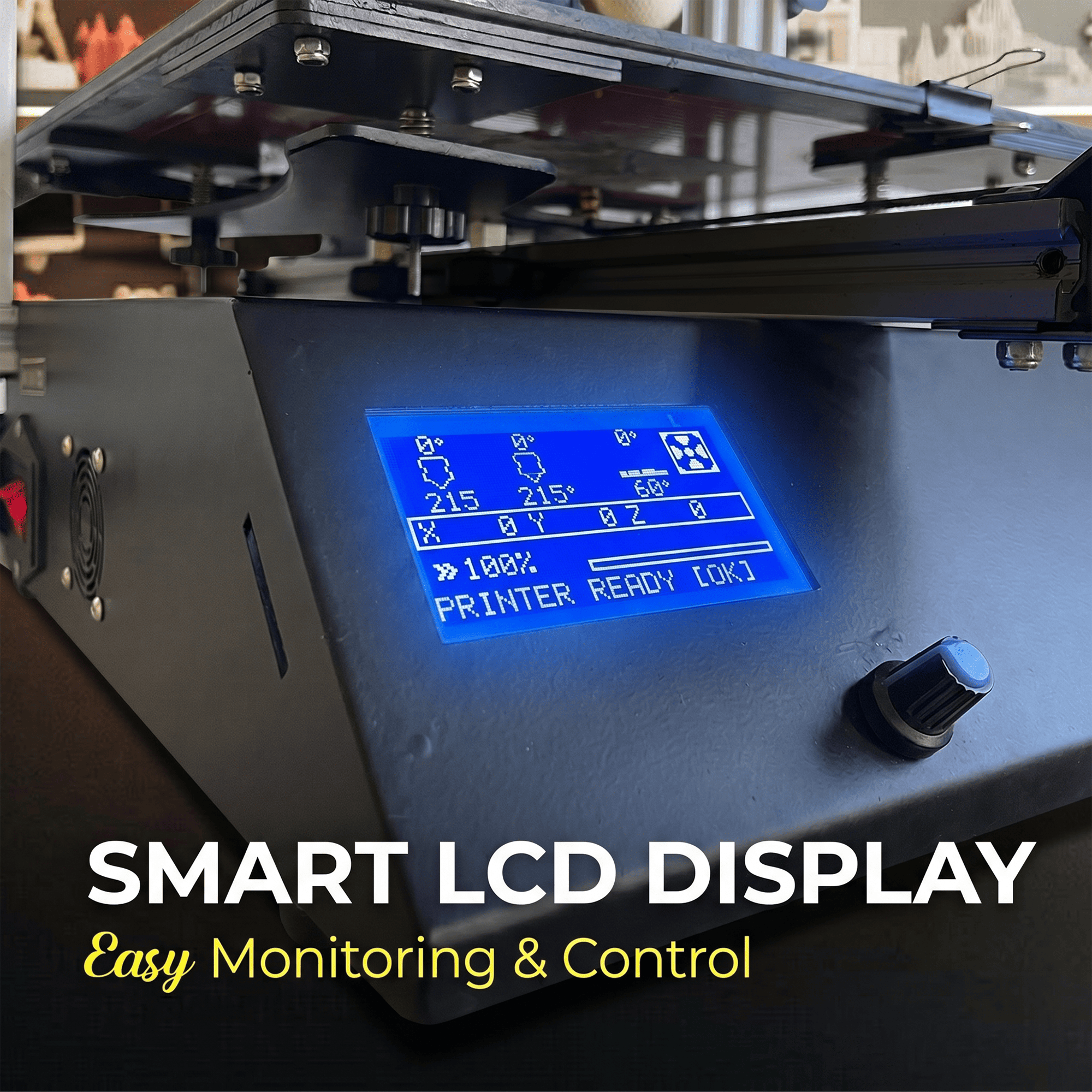
The N2 3D Printer includes a touchscreen LCD that allows users to access important printer settings and controls.
The interactive display simplifies common operations such as navigating menus, selecting supported print files, and reviewing machine functions.
A convenient control interface helps users manage their printing workflow without relying entirely on a connected computer.
This feature is useful for beginners learning machine operation as well as experienced users handling frequent printing tasks.
6. Magnetic Printing Bed for Convenient Print Removal
The N2 is equipped with a magnetic printing bed designed to simplify removing finished models.
A suitable magnetic build surface provides a practical platform for printing and can help users handle completed objects with less effort.
When the removable build surface has cooled, compatible models can often be released without excessive force.
Good first-layer adhesion still depends on correct bed leveling, nozzle distance, material temperature, and surface condition.
Users should keep the build surface clean and follow recommended preparation procedures for different filaments.
7. Auto Resume Function After Power Interruption
The N2 3D Printer features an auto-resume function designed to support print recovery after certain power interruptions.
A sudden power outage can interrupt a long printing project and lead to material waste.
The resume feature can help the machine continue a supported print job after power is restored, depending on its stored position, firmware behavior, and print condition.
Successful recovery is not guaranteed in every situation, particularly when the model has cooled, shifted, or detached from the build platform.
8. Compatible with PLA, PETG, HIPS and Flexible Filaments
The N2 supports several commonly used FDM printing materials.
PLA Filament: Suitable for decorative objects, educational projects, prototypes, and general-purpose models.
PETG Filament: Useful for functional components requiring improved toughness and practical everyday durability.
HIPS Filament: Suitable for selected prototype applications and compatible support-material workflows.
Flexible Filaments: Suitable grades may be used for objects requiring elasticity, depending on filament hardness and machine settings.
The printer uses 1.75 mm filament, a widely adopted diameter for desktop FDM printing.
For consistent results, users should follow material-specific temperature, cooling, and printing speed recommendations.
9. Online and Offline Printing Support
The N2 3D Printer supports online and offline printing workflows.
Online operation allows compatible computer-based printing arrangements, while offline operation can use supported removable storage such as an SD card or USB drive.
These options provide flexibility for different workspace arrangements and user requirements.
Offline printing can be convenient when users prefer to prepare sliced files separately and operate the printer without maintaining an active computer connection.
Available transfer methods depend on the printer’s supplied controller and interface configuration.
Applications of the NFIL3D N2 3D Printer
The N2 is suitable for a wide range of educational, professional, and creative printing tasks.
Product Development and Prototyping
Designers can produce physical prototypes for reviewing dimensions, shapes, component fit, and product concepts before further development.
Engineering and Functional Components
Create suitable brackets, fixtures, holders, jigs, mechanical demonstration parts, and customized workshop accessories.
Educational and STEM Projects
Students and educators can use the printer to explore engineering principles, digital design, geometry, additive manufacturing, and practical model making.
Architectural Models
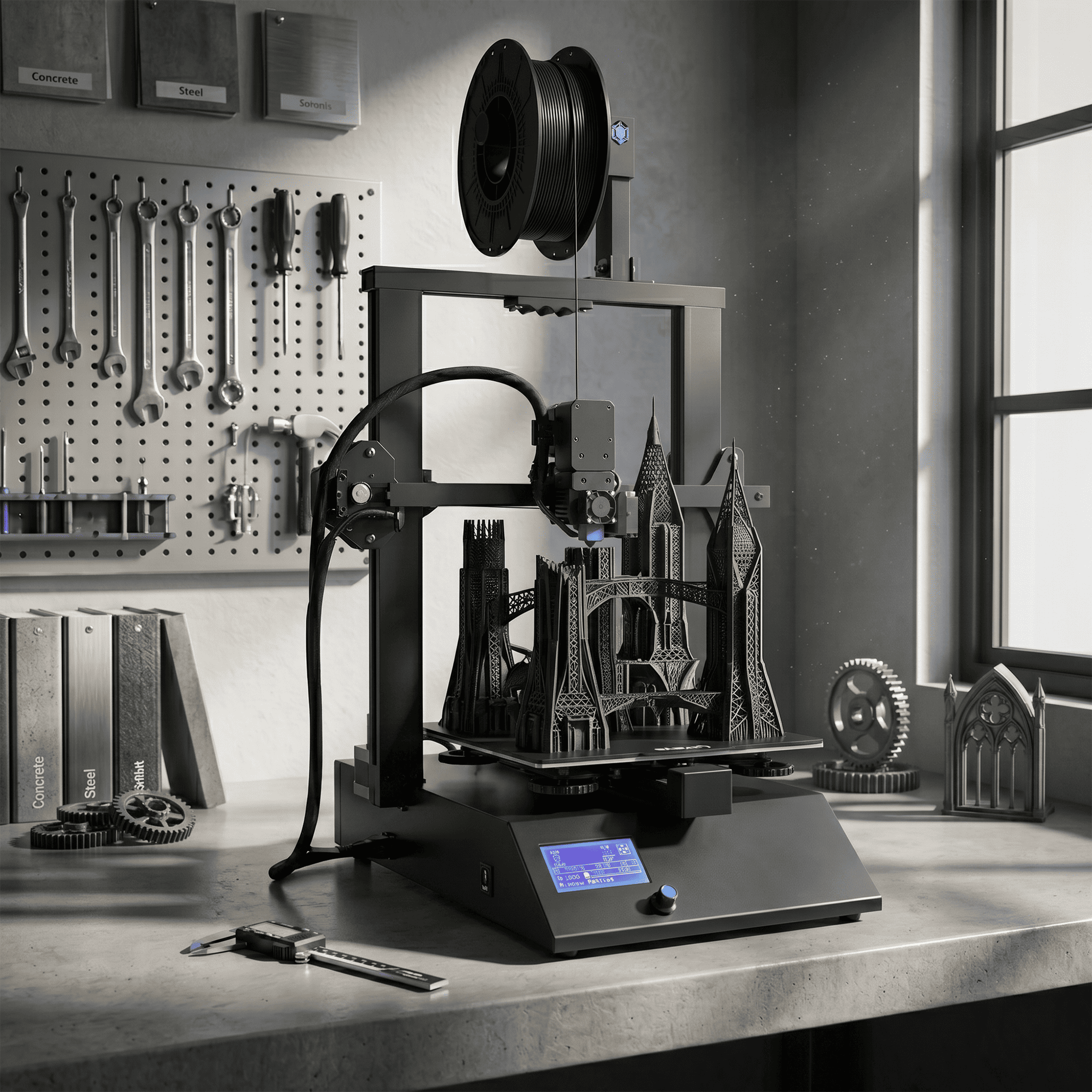
Produce detailed buildings, miniature structures, presentation models, and customized architectural components.
Creative and DIY Projects
Hobbyists can print decorative pieces, organizers, customized accessories, display models, and other everyday creations.
N2 3D Printer Technical Specifications
| Parameter | Specification |
|---|---|
| Product Name | NFIL3D N2 3D Printer |
| Printing Technology | FDM / FFF |
| Build Volume | 250 × 250 × 300 mm |
| Motion System | Linear Rail Mechanism |
| Z-Axis | Dual Lead Screw Mechanism |
| Extruder | Dual Gear Extruder |
| Display | Touch LCD Screen |
| Print Bed | Magnetic Printing Bed |
| Power Recovery | Auto Resume Function |
| Filament Diameter | 1.75 mm |
| Supported Materials | PLA, PETG, HIPS |
| Flexible Filament | Selected Compatible Grades |
| Working Modes | Online and Offline |
| Offline Media | Supported SD Card / USB Storage |
| Applications | Prototyping, Education, Engineering and DIY |
How to Use the N2 3D Printer
The N2 3D Printer uses fused deposition modeling technology to build objects by depositing heated thermoplastic filament in successive layers.
Step 1 – Prepare a Digital Model
Create a model using suitable 3D design software or download a printable STL file from a trusted source.
Step 2 – Configure the Slicer
Import the model into compatible slicing software. Select the appropriate layer height, printing speed, infill, wall thickness, and support settings.
Step 3 – Prepare the Printing Bed
Check the magnetic printing surface, complete the necessary bed leveling procedure, and confirm that the nozzle distance is suitable.
Step 4 – Load Compatible Filament
Insert 1.75 mm filament into the extrusion system and select appropriate nozzle and bed temperatures for the chosen material.
Step 5 – Start the Printing Process
Transfer the prepared print file using a supported online or offline method and begin printing. Observe the first layers to confirm good adhesion.
Step 6 – Remove the Finished Model
After printing, allow the model and bed to cool before removing the object carefully.
For more information about achieving reliable first-layer adhesion, read the Prusa First Layer Calibration Guide.
Tips for Achieving Better 3D Print Quality
To achieve dependable results with the N2 3D Printer, use appropriate slicer settings and maintain the machine regularly.
A clean printing bed, consistent filament flow, and correctly aligned Z-axis are important for producing stable prints.
For detailed models, smaller layer heights and moderate printing speeds can help improve surface appearance.
Functional objects may require additional wall thickness, suitable infill, and stronger materials depending on their intended use.
Keep filament dry when required, inspect the extrusion gears, and check the linear rail mechanism for smooth movement.
Always use the printer in a properly ventilated area and keep hands away from heated parts and moving components during operation.
Buy N2 3D Printer at NFIL3D
The N2 3D Printer by NFIL3D combines a linear rail motion system, dual Z-axis mechanism, dual gear extrusion, and a magnetic printing bed to support versatile FDM printing applications.
Its spacious build area, touchscreen interface, and flexible printing workflow make it a practical choice for makers, engineers, educators, designers, and small businesses.
Whether you are developing a product prototype, printing functional accessories, creating architectural models, or experimenting with new designs, the N2 provides useful features for everyday 3D printing.
Explore more 3D printers, filaments, and creative printing solutions at NFIL3D to find suitable equipment and materials for your projects.


Reviews
There are no reviews yet.